Private CompTIA Network+ lessons with AI
CompTIA Network+ with a live private lesson: the teacher talks with you out loud and explains on a shared board, moving at your pace through a clear plan, lesson after lesson.
Teacher: Noam
- Course updated 11/2026
- Hebrew, and 5 more languages
- 4 levels: Beginners · Intermediate · Advanced · Test prep
- 7 lessons · about 4 hours of lessons
CompTIA Network+
CompTIA Network+ with a live private lesson: the teacher talks with you out loud and explains on a shared board, moving at your pace through a clear plan, lesson after lesson.
7 lessons · 4 modules · Live private lesson with the teacher on the board
What you'll learn
- The Model and the Hardware
- Addressing and Subnetting
- Protocols, Switching and Routing
- Troubleshooting
Related topics
What's included
- Live 1:1 lessons with an AI tutor on a shared board
- 4 hours of live one-on-one lessons
- 7 lessons on a shared board, each with a clear goal
- Practice and a understanding check in every lesson
- A summary after every lesson, saved in the history
- Preparation for the CompTIA Network+
- A completion certificate for each level
- Computer, tablet or phone
- Hebrew, plus 5 more languages
Course plan
1 level · 4 modules · 7 lessons · 4 hr total
יסודותNetwork+ Foundations: How a Network Really Works4 modules • 7 lessons • 4 hr
Mapped to exam: CompTIA Network+ N10-009
The Model and the Hardware2 lessons • 1 hr
- 1The OSI Model and EncapsulationTrial lessonabout 30 min
- 2Cables, Connectors and Network Devicesabout 30 min
Addressing and Subnetting2 lessons • 1 hr 15 min
- 3IPv4 Addresses, Binary and Masksabout 35 min
- 4Subnetting with CIDRabout 40 min
Protocols, Switching and Routing2 lessons • 1 hr 10 min
- 5TCP, UDP and Common Portsabout 35 min
- 6Switching and Routing Basicsabout 35 min
Troubleshooting1 lesson • 35 min
- 7Troubleshooting Methodology and Toolsabout 35 min
What you need
- No prior knowledge needed for beginner level: the teacher checks what you already know and starts from there
- For higher levels: what you learned at the level before (you can skip it if you already know it)
- A computer, tablet or phone with a microphone, and a browser
Who it's for
- Teens and adults who want to understand the subject in depth
- For anyone preparing for CompTIA Network+
Exams and certifications
- CompTIA Network+
- יסודות: CompTIA Network+ N10-009
More courses in this track
Pre-College Math
with Noam
Live 1:1 lesson with an AI teacher4 levelsPre-college prep / Bagrut completion examAWS certification
with Noam
Live 1:1 lesson with an AI teacher4 levelsAWS Cloud Practitioner / Solutions Architect AssociateGoogle Cloud certification
with Noa
Live 1:1 lesson with an AI teacher4 levelsGoogle Cloud Digital Leader / Associate Cloud Engineer
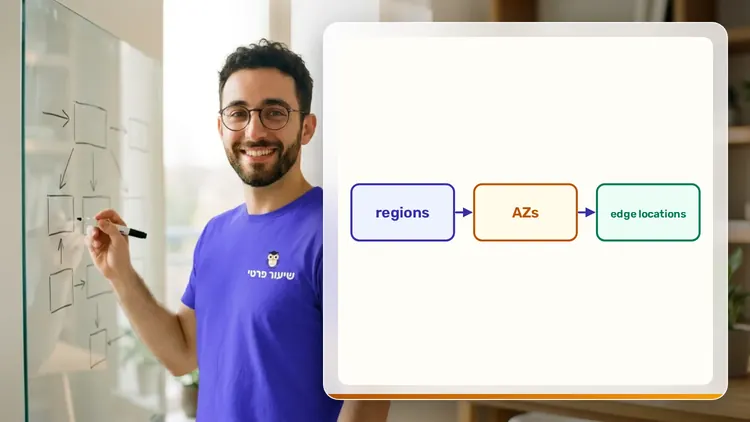
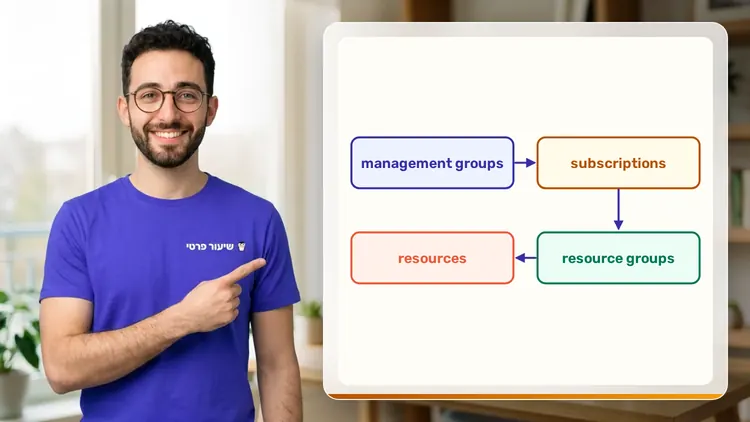
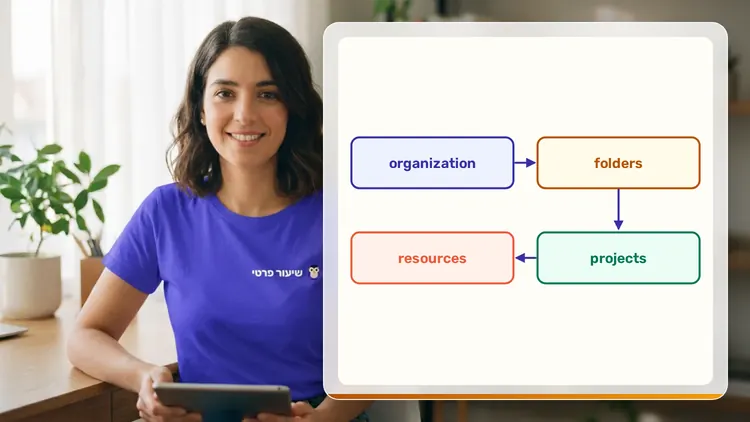
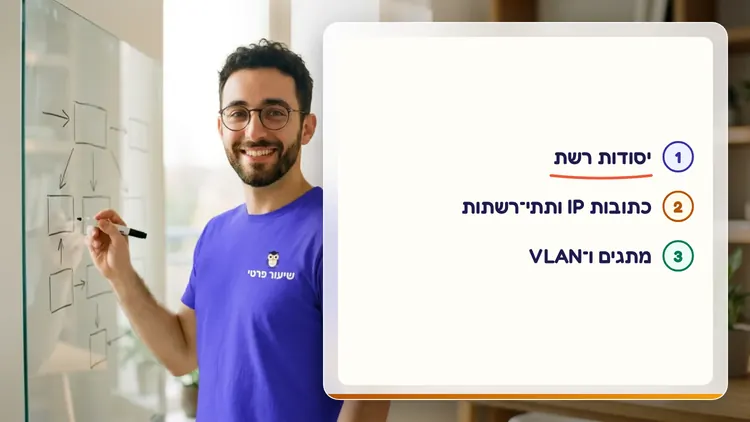
Your teacher
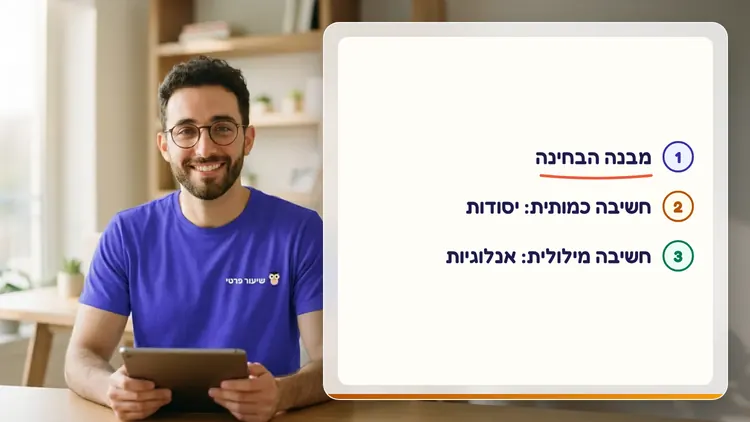
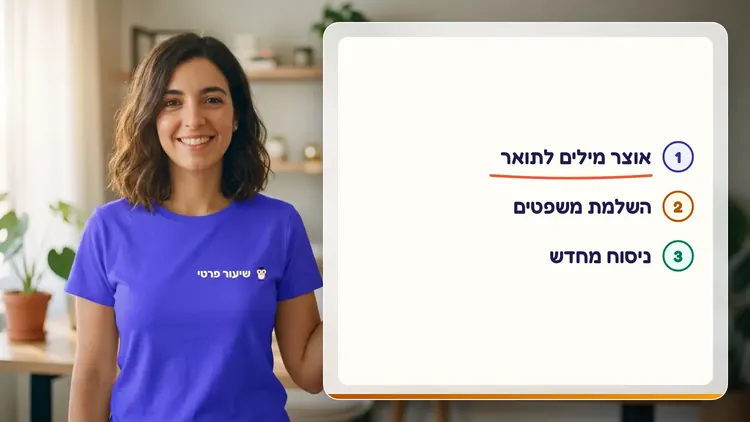
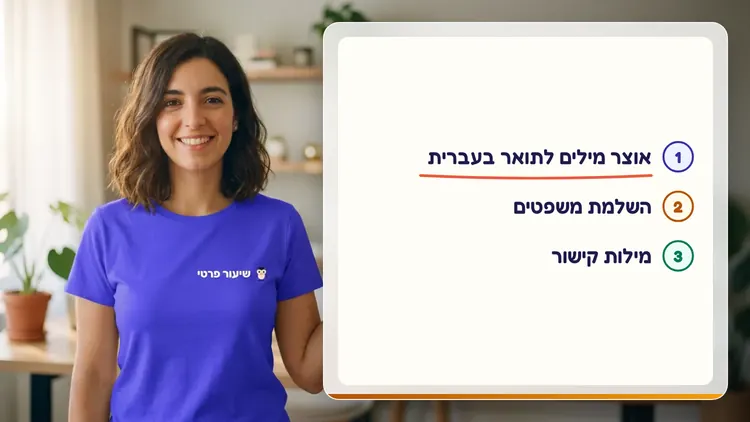
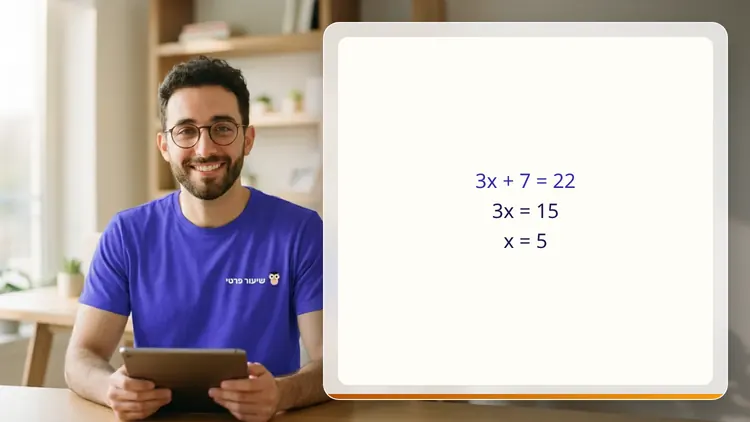
 NoamAI private tutor, in a live lesson on a shared board
A private AI teacher who teaches in a live conversation: asks, listens, draws on the board, and lets you solve it yourself with hints. Remembers what you've learned and starts each lesson where you left off.
What's a lesson like?
Your child talks with the teacher out loud, like a video call, and asks about anything unclear.
The teacher explains, writes and draws on a shared board, and your child solves along on the same board.
Snap a photo of a worksheet or homework and work through it, one problem at a time.
Parents get a report: study time, what went well and what needs more practice.
Lesson rules
- Just Learning
- Prepare, Don't Copy
- Security and Defense Only
FAQ
- How does a private CompTIA Network+ lesson work?
- Pick CompTIA Network+ and a level, then talk with the teacher out loud. The teacher asks what you already know, explains, writes and draws on the board, and lets you solve on your own with hints until it's clear.
- How long does the CompTIA Network+ course take?
- 7 lessons of about 34 minutes at the first level, at your own pace. You can pause, go back, or skip what you already know.
- Do I need prior knowledge?
- Not for beginner level. At the start of the first lesson the teacher checks what you already know and adjusts the level, and you can jump straight to an advanced level.
- How do I start for free?
- Sign in with Google or a code sent to your email, enter your child's name and grade, and the lesson starts right away. Every family gets 45 free lesson minutes in any subject, counted by actual lesson time, with no credit card. Then choose a paid plan and cancel anytime.
- What device do I need?
- Any computer, tablet or phone with a browser and a microphone. You can also install the site as an app on your home screen.
Want to try it?
Sign in, enter your child's name and grade, and the lesson begins. 45 free lesson minutes, no credit card.
Start for freeShiur Prati with AI: what it is and how it works