Private AI for Analysts: Excel & AI lessons with AI
AI for Analysts: Excel & AI with a live private lesson: the teacher talks with you out loud and explains on a shared board, moving at your pace through a clear plan, lesson after lesson.
Teacher: Noam
- Course updated 11/2026
- Hebrew, and 5 more languages
- 3 levels: Beginners · Intermediate · Advanced
- 36 lessons · about 20 hours of lessons
AI for Analysts: Excel & AI
AI for Analysts: Excel & AI with a live private lesson: the teacher talks with you out loud and explains on a shared board, moving at your pace through a clear plan, lesson after lesson.
12 lessons · 4 modules · Live private lesson with the teacher on the board
What you'll learn
- Foundations: The Analysis Flow and Working with AI
- Excel Formulas with AI
- Data Cleaning
- Pivot Tables and Capstone
- Natural-Language Data Analysis
- Charts and Insights
- SQL with AI
- Professional Verification of AI Results
- Report Automation
- Data Storytelling
Related topics
What's included
- Live 1:1 lessons with an AI tutor on a shared board
- 20 hours of live one-on-one lessons
- 36 lessons on a shared board, each with a clear goal
- Practice and a understanding check in every lesson
- A summary after every lesson, saved in the history
- A completion certificate for each level
- Computer, tablet or phone
- Hebrew, plus 5 more languages
Course plan
3 levels · 10 modules · 36 lessons · 19 hr 55 min total
BeginnersBeginner: Formulas, Data Cleaning and Pivot Tables with AI4 modules • 12 lessons • 6 hr 35 min
Foundations: The Analysis Flow and Working with AI2 lessons • 1 hr
- 1From Business Question to a Tidy TableTrial lessonabout 30 min
- 2Prompting AI for Formulas, and What Not to Pasteabout 30 min
Excel Formulas with AI4 lessons • 2 hr 10 min
- 3Aggregation Formulas and References: SUMIFS, COUNTIFSabout 35 min
- 4Logic in Formulas: IF, IFS, AND/ORabout 30 min
- 5Lookups and Joining Tables: XLOOKUPabout 35 min
- 6Don't Trust, Verify: Checking an AI Formulaabout 30 min
Data Cleaning3 lessons • 1 hr 35 min
- 7Diagnosing Dirty Dataabout 30 min
- 8Cleaning Text and Numbers with AIabout 35 min
- 9Repeatable Cleaning: Intro to Power Queryabout 30 min
Pivot Tables and Capstone3 lessons • 1 hr 50 min
- 10First Pivot Table: Rows, Columns, Values, Filtersabout 35 min
- 11Deeper Pivots, Verified Against SUMIFSabout 35 min
- 12Capstone: From Business Question to a Verified Answerabout 40 min
IntermediateIntermediate: Natural-Language Analysis, Charts and SQL with AI3 modules • 12 lessons • 6 hr 40 min
Mapped to exam: Microsoft PL-300 (Power BI Data Analyst) — objectives for analysis and visualization, plus SQL fundamentals
Natural-Language Data Analysis5 lessons • 2 hr 45 min
- 1What Happens When You Upload Data and Ask AIabout 30 min
- 2Asking a Good Analytical Question: Metric, Segment, Filterabout 30 min
- 3Descriptive Statistics the AI Throws at Youabout 35 min
- 4Time Analysis: Trend, Seasonality, Year over Yearabout 35 min
- 5Analysis Traps: Correlation, Simpson's Paradox, Invented Numbersabout 35 min
Charts and Insights3 lessons • 1 hr 30 min
- 6Which Chart Answers Which Questionabout 30 min
- 7Honest Charts: Axes, Scales and Misleading Visualsabout 30 min
- 8From Chart to Insight: So What and Now Whatabout 30 min
SQL with AI4 lessons • 2 hr 25 min
- 9Tables, Schema and Your First AI-Written SELECTabout 35 min
- 10GROUP BY and Aggregates — the SQL Pivot Tableabout 35 min
- 11JOIN: Combining Tables Without Duplicating Rowsabout 35 min
- 12Capstone: Business Question, SQL, Chart and a Verified Numberabout 40 min
AdvancedAdvanced: Verified Analysis, Automated Reports and Data Storytelling3 modules • 12 lessons • 6 hr 40 min
Professional Verification of AI Results4 lessons • 2 hr 10 min
- 1Reconciliation and Control Totalsabout 35 min
- 2Sanity Checks and Back-of-Envelope Estimatesabout 30 min
- 3Reading the Code the AI Ran: Spotting the Bugabout 35 min
- 4Audit Trail, Reproducibility and Data Privacyabout 30 min
Report Automation4 lessons • 2 hr 20 min
- 5Architecture of a Self-Updating Reportabout 30 min
- 6Advanced Power Query: Folder, Merge, Parametersabout 35 min
- 7Data Model and DAX Measuresabout 40 min
- 8A Dashboard That Checks Itselfabout 35 min
Data Storytelling4 lessons • 2 hr 10 min
- 9One Message, One Audience: Story Structureabout 30 min
- 10Slides That Speak: Action Titles and Declutteringabout 30 min
- 11Presenting Honestly: Uncertainty, Limits and Tough Questionsabout 30 min
- 12Capstone: Automated, Verified, Told Monthly Reportabout 40 min
What you need
- No prior knowledge needed for beginner level: the teacher checks what you already know and starts from there
- For higher levels: what you learned at the level before (you can skip it if you already know it)
- A computer, tablet or phone with a microphone, and a browser
Who it's for
- Adults: for work, study, an exam, or just curiosity
Exams and certifications
- Intermediate: Microsoft PL-300 (Power BI Data Analyst) — objectives for analysis and visualization, plus SQL fundamentals
More courses in this track
Natural Language Processing (NLP)
with Noam
Live 1:1 lesson with an AI teacherabout 20 hours35 lessons3 levelsGenerative AI & Prompt Engineering
with Noa
Live 1:1 lesson with an AI teacherabout 19 hours36 lessons3 levelsBuilding LLM Apps (RAG & Agents)
with Noam
Live 1:1 lesson with an AI teacherabout 20 hours36 lessons3 levels
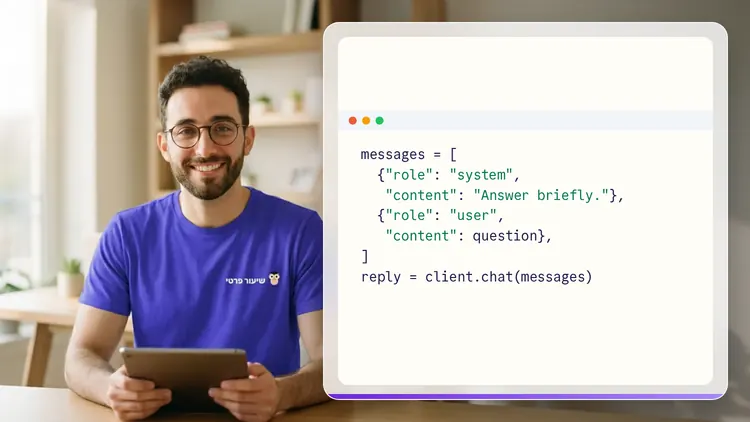
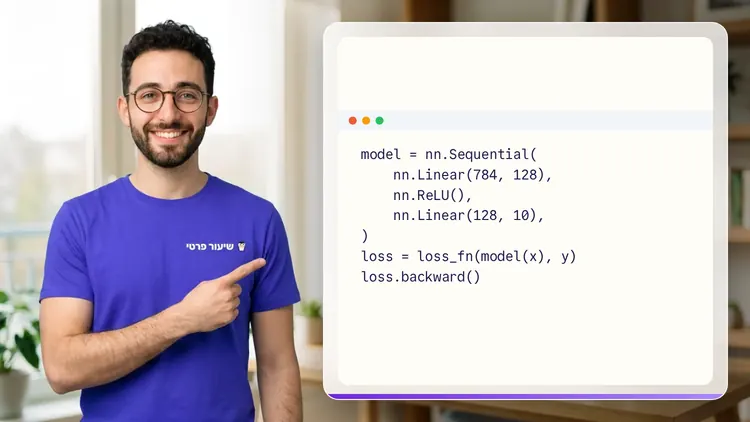
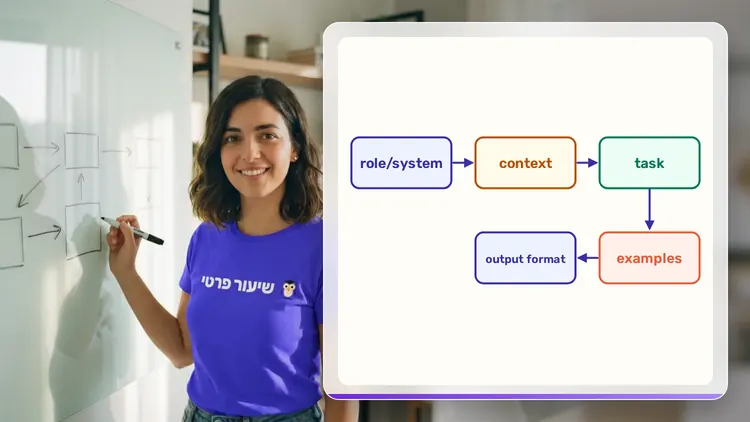
Your teacher
 NoamAI private tutor, in a live lesson on a shared board
A private AI teacher who teaches in a live conversation: asks, listens, draws on the board, and lets you solve it yourself with hints. Remembers what you've learned and starts each lesson where you left off.
What's a lesson like?
Your child talks with the teacher out loud, like a video call, and asks about anything unclear.
The teacher explains, writes and draws on a shared board, and your child solves along on the same board.
Snap a photo of a worksheet or homework and work through it, one problem at a time.
Parents get a report: study time, what went well and what needs more practice.
Lesson rules
- Just Learning
FAQ
- How does a private AI for Analysts: Excel & AI lesson work?
- Pick AI for Analysts: Excel & AI and a level, then talk with the teacher out loud. The teacher asks what you already know, explains, writes and draws on the board, and lets you solve on your own with hints until it's clear.
- How long does the AI for Analysts: Excel & AI course take?
- 12 lessons of about 33 minutes at the first level, at your own pace. You can pause, go back, or skip what you already know.
- Do I need prior knowledge?
- Not for beginner level. At the start of the first lesson the teacher checks what you already know and adjusts the level, and you can jump straight to an advanced level.
- How do I start for free?
- Sign in with Google or a code sent to your email, enter your child's name and grade, and the lesson starts right away. Every family gets 45 free lesson minutes in any subject, counted by actual lesson time, with no credit card. Then choose a paid plan and cancel anytime.
- What device do I need?
- Any computer, tablet or phone with a browser and a microphone. You can also install the site as an app on your home screen.
Want to try it?
Sign in, enter your child's name and grade, and the lesson begins. 45 free lesson minutes, no credit card.
Start for freeShiur Prati with AI: what it is and how it works