Private Computer Vision lessons with AI
Computer Vision with a live private lesson: the teacher talks with you out loud and explains on a shared board, moving at your pace through a clear plan, lesson after lesson.
Teacher: Noam
- Course updated 11/2026
- Hebrew, and 5 more languages
- 3 levels: Beginners · Intermediate · Advanced
- 36 lessons · about 20 hours of lessons
Computer Vision
Computer Vision with a live private lesson: the teacher talks with you out loud and explains on a shared board, moving at your pace through a clear plan, lesson after lesson.
12 lessons · 4 modules · Live private lesson with the teacher on the board
What you'll learn
- The Image as Data
- Pixel Operations
- Filters and Edges
- From Pixels to Understanding
- Image Classification with CNNs
- Data and Pretrained Models
- Object Detection
- Segmentation and Choosing a Solution
- Transformers and Foundation Models in Vision
- OCR: From Image to Text
- Video and Tracking
- Bias, Responsibility and Production
Related topics
What's included
- Live 1:1 lessons with an AI tutor on a shared board
- 20 hours of live one-on-one lessons
- 36 lessons on a shared board, each with a clear goal
- Practice and a understanding check in every lesson
- A summary after every lesson, saved in the history
- A completion certificate for each level
- Computer, tablet or phone
- Hebrew, plus 5 more languages
Course plan
3 levels · 12 modules · 36 lessons · 19 hr 40 min total
BeginnersComputer Vision — Beginner: From Pixels to Edges4 modules • 12 lessons • 6 hr 15 min
The Image as Data3 lessons • 1 hr 30 min
- 1The Digital Image: A Grid of NumbersTrial lessonabout 30 min
- 2Color and Channels: RGBabout 30 min
- 3Color Spaces: HSV and Color Maskingabout 30 min
Pixel Operations3 lessons • 1 hr 30 min
- 4Histogram, Brightness and Contrastabout 30 min
- 5Thresholding and Binary Masksabout 30 min
- 6Geometric Transforms and Resizingabout 30 min
Filters and Edges4 lessons • 2 hr 15 min
- 7Convolution: A Kernel Sliding over the Imageabout 35 min
- 8Smoothing, Noise and Sharpeningabout 30 min
- 9Gradients and Edges: Sobelabout 35 min
- 10Canny Edge Detector and Morphologyabout 35 min
From Pixels to Understanding2 lessons • 1 hr
- 11Corners and Features: What Makes a Point Distinctiveabout 30 min
- 12The Task Map: Classification, Detection, Segmentation, OCRabout 30 min
IntermediateIntermediate: CNNs, Detection and Segmentation4 modules • 12 lessons • 6 hr 35 min
Image Classification with CNNs4 lessons • 2 hr 15 min
- 1A Learning Classifier: From Image to Probabilitiesabout 30 min
- 2The Convolutional Layer: Channels, Stride, Paddingabout 35 min
- 3Building a CNN: Activation, Pooling, Feature Hierarchyabout 35 min
- 4Training and Evaluation: Overfitting and the Confusion Matrixabout 35 min
Data and Pretrained Models2 lessons • 1 hr 5 min
- 5Data Augmentation: More Images Without Shootingabout 30 min
- 6Transfer Learning and Classic Architecturesabout 35 min
Object Detection3 lessons • 1 hr 35 min
- 7The Detection Problem: Boxes, IoU, Anchorsabout 30 min
- 8Detectors: Two-Stage vs One-Stage, and NMSabout 35 min
- 9Evaluating Detectors: Precision-Recall and mAPabout 30 min
Segmentation and Choosing a Solution3 lessons • 1 hr 40 min
- 10Semantic Segmentation: Encoder-Decoder and U-Netabout 35 min
- 11Instance Segmentation and Mask Metricsabout 30 min
- 12From Problem to Solution: Task, Data, Metricabout 35 min
AdvancedAdvanced Computer Vision: Transformers, OCR, Video and Responsible Deployment4 modules • 12 lessons • 6 hr 50 min
Mapped to exam: Stanford CS231n — transformers, video, self-supervised; MOTChallenge metrics; NIST FRVT demographic effects
Transformers and Foundation Models in Vision4 lessons • 2 hr 20 min
- 1Self-Attention for Imagesabout 35 min
- 2Vision Transformer (ViT)about 35 min
- 3Self-Supervised Learning and CLIPabout 35 min
- 4Transformer Detection and Segmentation: DETR and SAMabout 35 min
OCR: From Image to Text2 lessons • 1 hr 10 min
- 5The OCR Pipeline: Text Detection and CTC Recognitionabout 35 min
- 6Document OCR in Hebrew: RTL, Layout and End-to-End Modelsabout 35 min
Video and Tracking3 lessons • 1 hr 40 min
- 7Video as Time: Motion and Optical Flowabout 30 min
- 8Multi-Object Tracking by Detectionabout 40 min
- 9Evaluating Trackers: MOTA, IDF1 and HOTAabout 30 min
Bias, Responsibility and Production3 lessons • 1 hr 40 min
- 10Bias in Computer Vision: Sources and Measurementabout 35 min
- 11Privacy, Biometrics and Regulationabout 30 min
- 12Vision Models in Production: Efficiency, Edge and Monitoringabout 35 min
What you need
- No prior knowledge needed for beginner level: the teacher checks what you already know and starts from there
- For higher levels: what you learned at the level before (you can skip it if you already know it)
- A computer, tablet or phone with a microphone, and a browser
Who it's for
- Adults: for work, study, an exam, or just curiosity
Exams and certifications
- Advanced: Stanford CS231n — transformers, video, self-supervised; MOTChallenge metrics; NIST FRVT demographic effects
More courses in this track
Natural Language Processing (NLP)
with Noam
Live 1:1 lesson with an AI teacherabout 20 hours35 lessons3 levelsGenerative AI & Prompt Engineering
with Noa
Live 1:1 lesson with an AI teacherabout 19 hours36 lessons3 levelsBuilding LLM Apps (RAG & Agents)
with Noam
Live 1:1 lesson with an AI teacherabout 20 hours36 lessons3 levels
Your teacher
 NoamAI private tutor, in a live lesson on a shared board
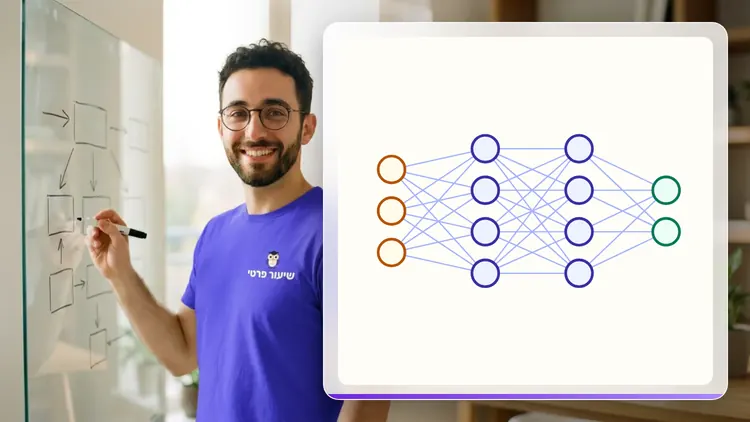
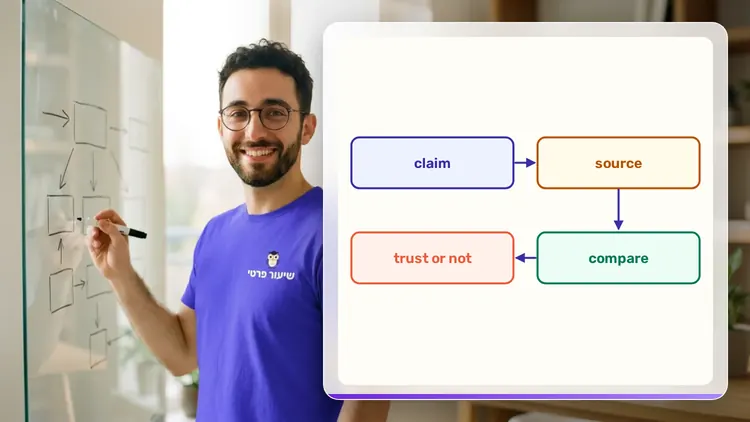
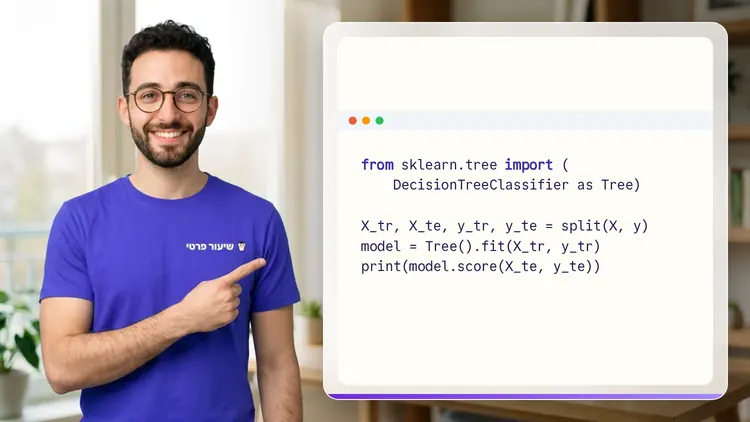
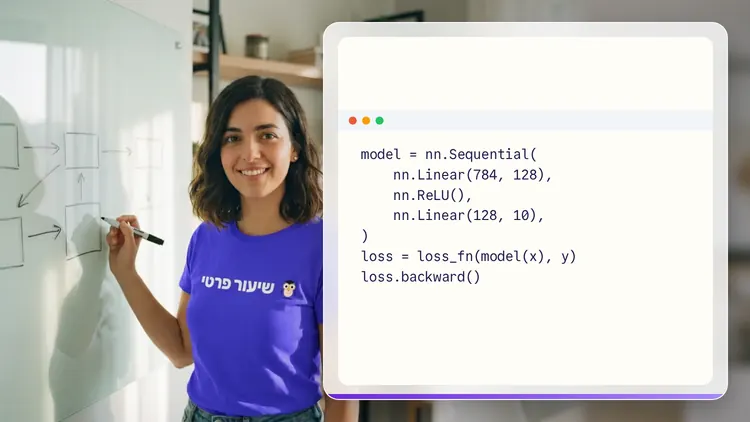
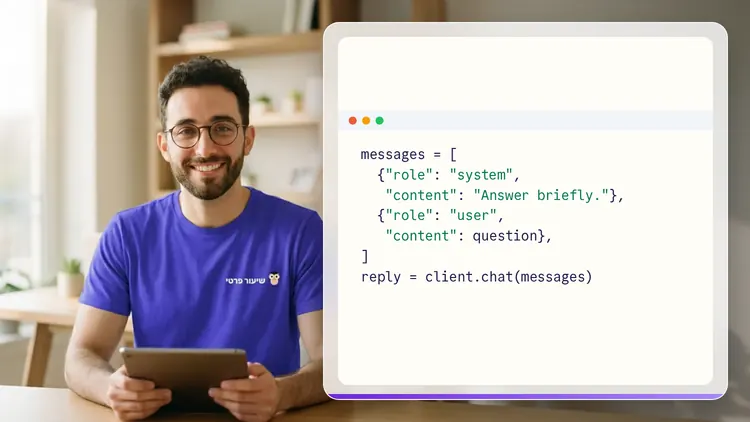
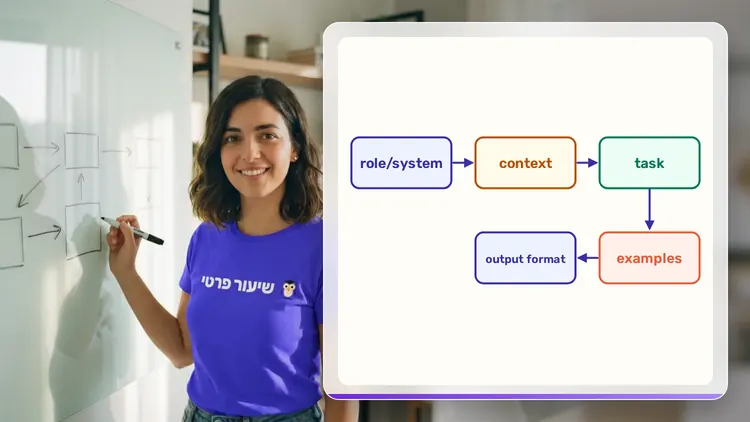
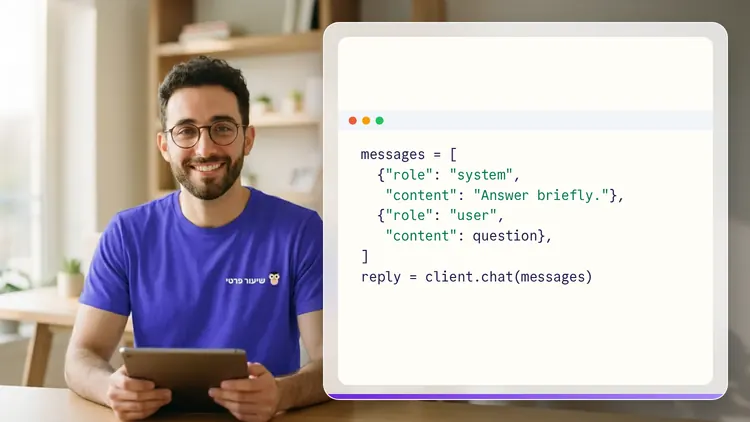
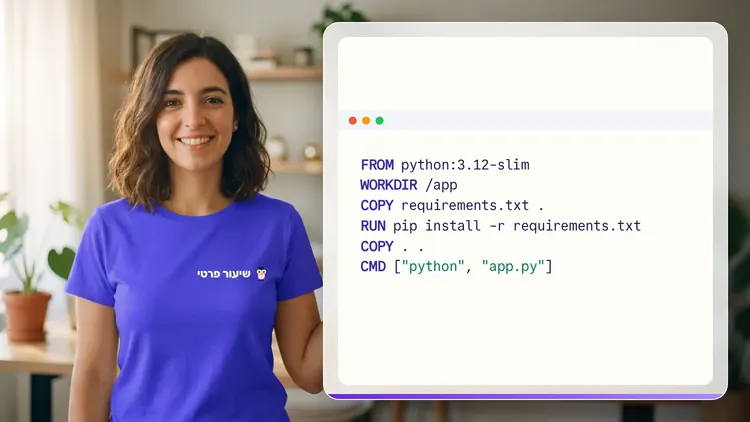
A private AI teacher who teaches in a live conversation: asks, listens, draws on the board, and lets you solve it yourself with hints. Remembers what you've learned and starts each lesson where you left off.
What's a lesson like?
Your child talks with the teacher out loud, like a video call, and asks about anything unclear.
The teacher explains, writes and draws on a shared board, and your child solves along on the same board.
Snap a photo of a worksheet or homework and work through it, one problem at a time.
Parents get a report: study time, what went well and what needs more practice.
Lesson rules
- Just Learning
FAQ
- How does a private Computer Vision lesson work?
- Pick Computer Vision and a level, then talk with the teacher out loud. The teacher asks what you already know, explains, writes and draws on the board, and lets you solve on your own with hints until it's clear.
- How long does the Computer Vision course take?
- 12 lessons of about 31 minutes at the first level, at your own pace. You can pause, go back, or skip what you already know.
- Do I need prior knowledge?
- Not for beginner level. At the start of the first lesson the teacher checks what you already know and adjusts the level, and you can jump straight to an advanced level.
- How do I start for free?
- Sign in with Google or a code sent to your email, enter your child's name and grade, and the lesson starts right away. Every family gets 45 free lesson minutes in any subject, counted by actual lesson time, with no credit card. Then choose a paid plan and cancel anytime.
- What device do I need?
- Any computer, tablet or phone with a browser and a microphone. You can also install the site as an app on your home screen.
Want to try it?
Sign in, enter your child's name and grade, and the lesson begins. 45 free lesson minutes, no credit card.
Start for freeShiur Prati with AI: what it is and how it works