Private Coding assistants: Cursor, Claude Code and Copilot lessons with AI
Coding assistants: Cursor, Claude Code and Copilot with a live private lesson: the teacher talks with you out loud and explains on a shared board, moving at your pace through a clear plan, lesson after lesson.
Teacher: Noa
- Course updated 11/2026
- Hebrew, and 5 more languages
- 3 levels: Beginners · Intermediate · Advanced
- 35 lessons · about 19 hours of lessons
Coding assistants: Cursor, Claude Code and Copilot
Coding assistants: Cursor, Claude Code and Copilot with a live private lesson: the teacher talks with you out loud and explains on a shared board, moving at your pace through a clear plan, lesson after lesson.
12 lessons · 4 modules · Live private lesson with the teacher on the board
What you'll learn
- What an AI Coding Assistant Is and How It Thinks
- Autocomplete and Asking About Code
- Explaining Existing Code
- Ownership: Verify, Protect, Understand
- Working with an Agent: the Loop, Git and Instructions
- Building a Feature with an Agent
- Writing Tests with the Assistant
- Safe Refactoring
- Capstone
- Working in a Large Codebase
- Reviewing AI-Written Code
- Security and Dependencies
Related topics
What's included
- Live 1:1 lessons with an AI tutor on a shared board
- 19 hours of live one-on-one lessons
- 35 lessons on a shared board, each with a clear goal
- Practice and a understanding check in every lesson
- A summary after every lesson, saved in the history
- A completion certificate for each level
- Computer, tablet or phone
- Hebrew, plus 5 more languages
Course plan
3 levels · 12 modules · 35 lessons · 19 hr 5 min total
BeginnersBeginner: Meeting the AI Coding Assistant and Using It Right4 modules • 12 lessons • 6 hr 25 min
Mapped to exam: GitHub Copilot certification (GH-300) — יסודות; אין מבחן חובה ברמה זו
What an AI Coding Assistant Is and How It Thinks3 lessons • 1 hr 30 min
- 1What a Coding Assistant Does: Completion, Chat, AgentTrial lessonabout 30 min
- 2How a Language Model Writes Code: Next-Token Predictionabout 30 min
- 3The Context Window: What the Assistant Seesabout 30 min
Autocomplete and Asking About Code4 lessons • 2 hr 10 min
- 4Autocomplete: Accept, Reject, Steerabout 30 min
- 5Asking Well: Structuring a Coding Promptabout 35 min
- 6Iterating: Follow-ups, Pushback and Asking Whyabout 30 min
- 7Errors and Debugging with the Assistantabout 35 min
Explaining Existing Code2 lessons • 1 hr
- 8Explaining Code: From Summary to Line by Lineabout 30 min
- 9Finding Your Way in an Unfamiliar Projectabout 30 min
Ownership: Verify, Protect, Understand3 lessons • 1 hr 45 min
- 10Checking AI Code: Run, Try Inputs, Hunt Bugsabout 35 min
- 11Privacy, Secrets and Integrityabout 30 min
- 12Wrap-up: A Small Function with an Assistant — and Explaining Itabout 40 min
IntermediateIntermediate: Building, Testing and Refactoring with an AI Agent5 modules • 11 lessons • 6 hr
Working with an Agent: the Loop, Git and Instructions3 lessons • 1 hr 30 min
- 1From Chat to Agent: the Agentic Loopabout 30 min
- 2Git as a Safety Net for Agent Workabout 30 min
- 3Project Instruction Files: CLAUDE.md and Rulesabout 30 min
Building a Feature with an Agent3 lessons • 1 hr 35 min
- 4Plan Before Code: Spec and Planabout 30 min
- 5Building a Feature in Small Stepsabout 35 min
- 6When the Agent Drifts: Stop, Steer, Restartabout 30 min
Writing Tests with the Assistant2 lessons • 1 hr 10 min
- 7Unit Tests: What to Test and Whyabout 35 min
- 8TDD with an Agent: Failing Test Firstabout 35 min
Safe Refactoring2 lessons • 1 hr 5 min
- 9Refactoring: Improve Code, Keep Behaviorabout 30 min
- 10Multi-File Refactoring with an Agentabout 35 min
Capstone1 lesson • 40 min
- 11Capstone: Feature, Tests and Explanationabout 40 min
AdvancedAdvanced: AI Coding Assistants in Production — Context, Review and Security3 modules • 12 lessons • 6 hr 40 min
Mapped to exam: אין מבחן רשמי; הרמה נשענת על OWASP Top 10, OWASP Top 10 for LLM Applications ו־SLSA, ומסתיימת בפרויקט מסכם: שינוי ברמת production עם PR וסקירה.
Working in a Large Codebase4 lessons • 2 hr 10 min
- 1Context Engineering in a Large Repoabout 30 min
- 2Mapping a Large Codebase and Planning Cross-Module Changesabout 35 min
- 3Splitting Work: Subagents, Parallel Sessions and Worktreesabout 35 min
- 4Connecting Tools: MCP, Commands and Permissionsabout 30 min
Reviewing AI-Written Code4 lessons • 2 hr 10 min
- 5Reviewing an Agent's Diff: A Senior Reviewer's Checklistabout 35 min
- 6Typical Failure Patterns in AI Codeabout 30 min
- 7Pull Requests with Agents: Small, Explained, Ownedabout 30 min
- 8Automatic Gates: CI, Lint, Types and Hooksabout 35 min
Security and Dependencies4 lessons • 2 hr 20 min
- 9Secure AI Code: Injection, Input and Secretsabout 35 min
- 10Dependencies and the Software Supply Chainabout 35 min
- 11Securing the Agent: Prompt Injection and Least Privilegeabout 30 min
- 12Capstone: An End-to-End Production-Grade Changeabout 40 min
What you need
- No prior knowledge needed for beginner level: the teacher checks what you already know and starts from there
- For higher levels: what you learned at the level before (you can skip it if you already know it)
- A computer, tablet or phone with a microphone, and a browser
Who it's for
- Teens and adults who want to understand the subject in depth
Exams and certifications
- Beginners: GitHub Copilot certification (GH-300) — יסודות; אין מבחן חובה ברמה זו
- Advanced: אין מבחן רשמי; הרמה נשענת על OWASP Top 10, OWASP Top 10 for LLM Applications ו־SLSA, ומסתיימת בפרויקט מסכם: שינוי ברמת production עם PR וסקירה.
More courses in this track
Natural Language Processing (NLP)
with Noam
Live 1:1 lesson with an AI teacherabout 20 hours35 lessons3 levelsGenerative AI & Prompt Engineering
with Noa
Live 1:1 lesson with an AI teacherabout 19 hours36 lessons3 levelsBuilding LLM Apps (RAG & Agents)
with Noam
Live 1:1 lesson with an AI teacherabout 20 hours36 lessons3 levels
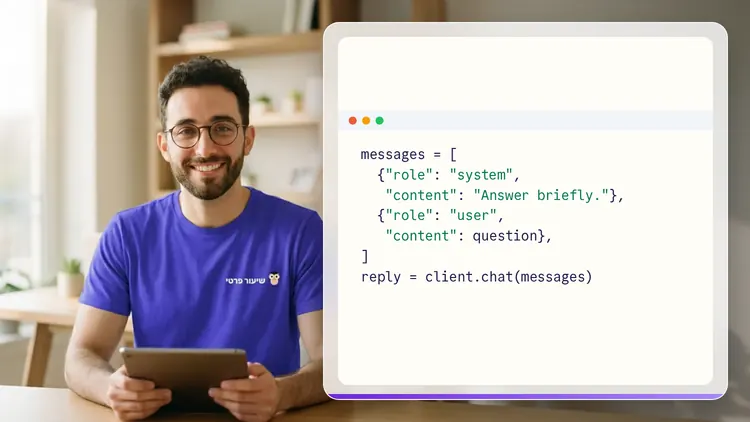
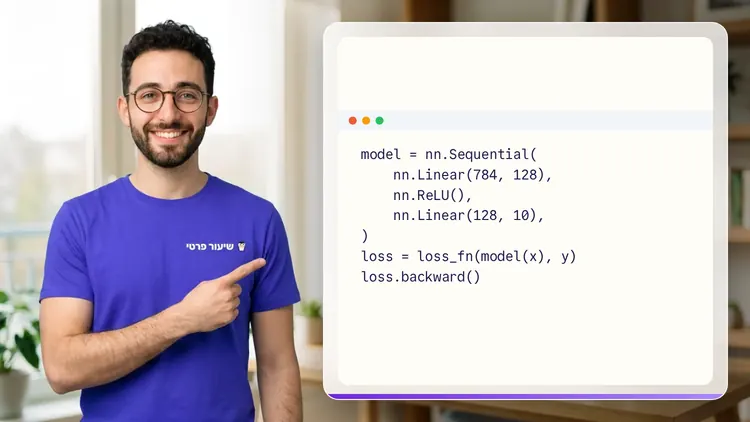
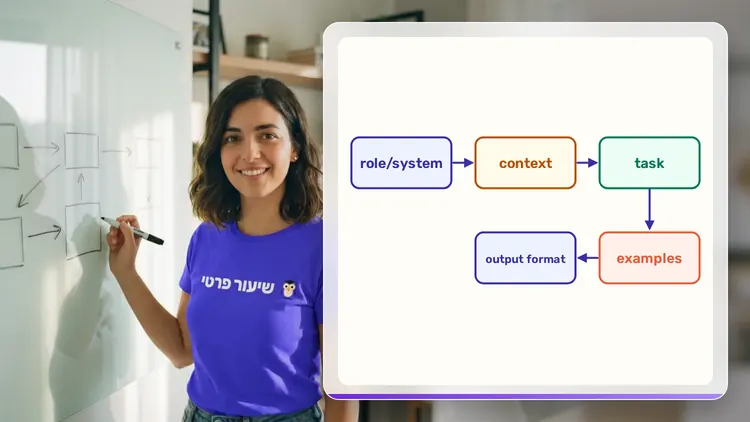
Your teacher
 NoaAI private tutor, in a live lesson on a shared board
A private AI teacher who teaches in a live conversation: asks, listens, draws on the board, and lets you solve it yourself with hints. Remembers what you've learned and starts each lesson where you left off.
What's a lesson like?
Your child talks with the teacher out loud, like a video call, and asks about anything unclear.
The teacher explains, writes and draws on a shared board, and your child solves along on the same board.
Snap a photo of a worksheet or homework and work through it, one problem at a time.
Parents get a report: study time, what went well and what needs more practice.
Lesson rules
- Just Learning
- Security and Defense Only
FAQ
- How does a private Coding assistants: Cursor, Claude Code and Copilot lesson work?
- Pick Coding assistants: Cursor, Claude Code and Copilot and a level, then talk with the teacher out loud. The teacher asks what you already know, explains, writes and draws on the board, and lets you solve on your own with hints until it's clear.
- How long does the Coding assistants: Cursor, Claude Code and Copilot course take?
- 12 lessons of about 32 minutes at the first level, at your own pace. You can pause, go back, or skip what you already know.
- Do I need prior knowledge?
- Not for beginner level. At the start of the first lesson the teacher checks what you already know and adjusts the level, and you can jump straight to an advanced level.
- How do I start for free?
- Sign in with Google or a code sent to your email, enter your child's name and grade, and the lesson starts right away. Every family gets 45 free lesson minutes in any subject, counted by actual lesson time, with no credit card. Then choose a paid plan and cancel anytime.
- What device do I need?
- Any computer, tablet or phone with a browser and a microphone. You can also install the site as an app on your home screen.
Want to try it?
Sign in, enter your child's name and grade, and the lesson begins. 45 free lesson minutes, no credit card.
Start for freeShiur Prati with AI: what it is and how it works
Coding assistants: Cursor, Claude Code and CopilotThe first 45 minutes are free
Private lessonStart free