Private AI at Work: Copilot & Gemini in Office and Google lessons with AI
AI at Work: Copilot & Gemini in Office and Google with a live private lesson: the teacher talks with you out loud and explains on a shared board, moving at your pace through a clear plan, lesson after lesson.
Teacher: Noam
- Course updated 11/2026
- Hebrew, and 5 more languages
- 3 levels: Beginners · Intermediate · Advanced
- 33 lessons · about 18 hours of lessons
AI at Work: Copilot & Gemini in Office and Google
AI at Work: Copilot & Gemini in Office and Google with a live private lesson: the teacher talks with you out loud and explains on a shared board, moving at your pace through a clear plan, lesson after lesson.
11 lessons · 4 modules · Live private lesson with the teacher on the board
What you'll learn
- Where AI Lives and What It May Touch
- Talking to AI: Prompt Basics
- Summarising Emails and Documents
- Drafting
- AI in Excel and Google Sheets
- Presentations with AI
- Meeting Summaries
- Capstone
- Policy, Privacy and Data Security
- Building an AI Work Routine
- Measuring Savings and Adoption
Related topics
What's included
- Live 1:1 lessons with an AI tutor on a shared board
- 18 hours of live one-on-one lessons
- 33 lessons on a shared board, each with a clear goal
- Practice and a understanding check in every lesson
- A summary after every lesson, saved in the history
- A completion certificate for each level
- Computer, tablet or phone
- Hebrew, plus 5 more languages
Course plan
3 levels · 11 modules · 33 lessons · 17 hr 30 min total
BeginnersBeginner: AI in Your Work Tools — Summaries and Drafts4 modules • 11 lessons • 5 hr 35 min
Where AI Lives and What It May Touch3 lessons • 1 hr 30 min
- 1What Generative AI Is and Isn'tTrial lessonabout 30 min
- 2The AI Map: Copilot and Gemini in Your Appsabout 30 min
- 3The Data Boundary: What You May Put Into AIabout 30 min
Talking to AI: Prompt Basics2 lessons • 1 hr
- 4Anatomy of a Good Promptabout 30 min
- 5Iterate, Reference Files, Verifyabout 30 min
Summarising Emails and Documents3 lessons • 1 hr 30 min
- 6Summarising Email Threads in Outlook and Gmailabout 30 min
- 7Summarising and Querying Documents in Word and Docsabout 30 min
- 8Checking a Summary: Gaps and Hallucinationsabout 30 min
Drafting3 lessons • 1 hr 35 min
- 9Email Drafts: From Prompt to Sendabout 30 min
- 10Document Drafts and Rewriting in Word and Docsabout 30 min
- 11Capstone: Automate One Weekly Taskabout 35 min
IntermediateIntermediate: AI in Spreadsheets, Presentations and Meetings4 modules • 11 lessons • 6 hr
AI in Excel and Google Sheets4 lessons • 2 hr 10 min
- 1Preparing Data AI Can Readabout 30 min
- 2Formulas with AI: Ask, Understand, Verifyabout 35 min
- 3Analysis and Insights: Pivots, Charts, Trendsabout 35 min
- 4AI Inside the Cell: Classifying and Extracting Textabout 30 min
Presentations with AI3 lessons • 1 hr 35 min
- 5From Document to Deck: Storyline Firstabout 35 min
- 6Refining Slides: Headlines, Design, Speaker Notesabout 30 min
- 7Numbers in the Deck: From Sheet to Slideabout 30 min
Meeting Summaries3 lessons • 1 hr 35 min
- 8Transcription and Recap in Teams and Meetabout 35 min
- 9From Tasks to Owners: Action Items and Follow-upabout 30 min
- 10The Meeting I Missed: Querying Meetings and Trackingabout 30 min
Capstone1 lesson • 40 min
- 11Project: From Meeting to Sheet to Status Deckabout 40 min
AdvancedAdvanced: Policy-Compliant AI Routines and Measured Time Savings3 modules • 11 lessons • 5 hr 55 min
Mapped to exam: Capstone: אוטומציה של תהליך שבועי + הצהרת מידע מותר/אסור + דוח חיסכון בזמן
Policy, Privacy and Data Security4 lessons • 2 hr 5 min
- 1How Copilot and Gemini Access Company Dataabout 30 min
- 2Oversharing, Sensitivity Labels and DLPabout 30 min
- 3Israeli Privacy Law and a Company AI Policyabout 35 min
- 4Output Risks: Accountability, Prompt Injection, Copyrightabout 30 min
Building an AI Work Routine4 lessons • 2 hr 10 min
- 5Mapping Your Week: Which Tasks Fit AIabout 30 min
- 6Reusable Prompts, Gems and Agentsabout 35 min
- 7Automation Chain: Trigger, AI Step, Approval, Actionabout 35 min
- 8Quality Control: Human-in-the-Loop by Riskabout 30 min
Measuring Savings and Adoption3 lessons • 1 hr 40 min
- 9Measuring Time Saved: Baseline and Net Savingsabout 30 min
- 10Beyond Time: Quality, Value and a Report to Managementabout 30 min
- 11Capstone: Automated Routine, Policy and Savings Reportabout 40 min
What you need
- No prior knowledge needed for beginner level: the teacher checks what you already know and starts from there
- For higher levels: what you learned at the level before (you can skip it if you already know it)
- A computer, tablet or phone with a microphone, and a browser
Who it's for
- Adults: for work, study, an exam, or just curiosity
Exams and certifications
- Advanced: Capstone: אוטומציה של תהליך שבועי + הצהרת מידע מותר/אסור + דוח חיסכון בזמן
More courses in this track
Natural Language Processing (NLP)
with Noam
Live 1:1 lesson with an AI teacherabout 20 hours35 lessons3 levelsGenerative AI & Prompt Engineering
with Noa
Live 1:1 lesson with an AI teacherabout 19 hours36 lessons3 levelsBuilding LLM Apps (RAG & Agents)
with Noam
Live 1:1 lesson with an AI teacherabout 20 hours36 lessons3 levels
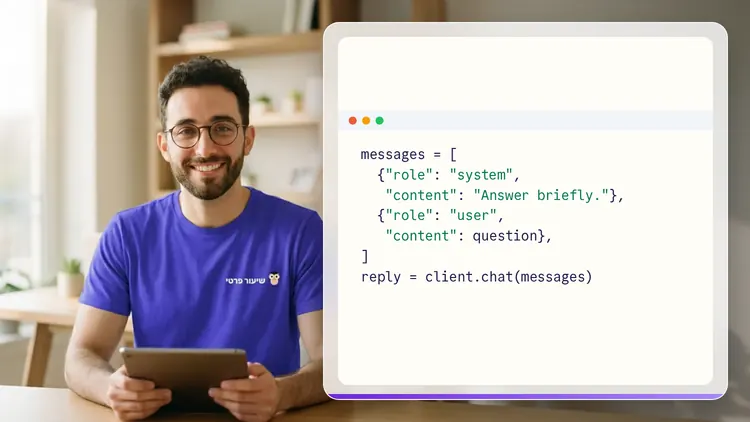
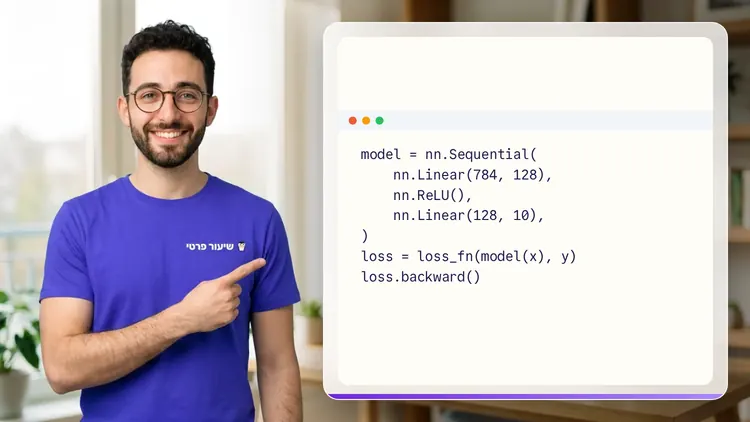
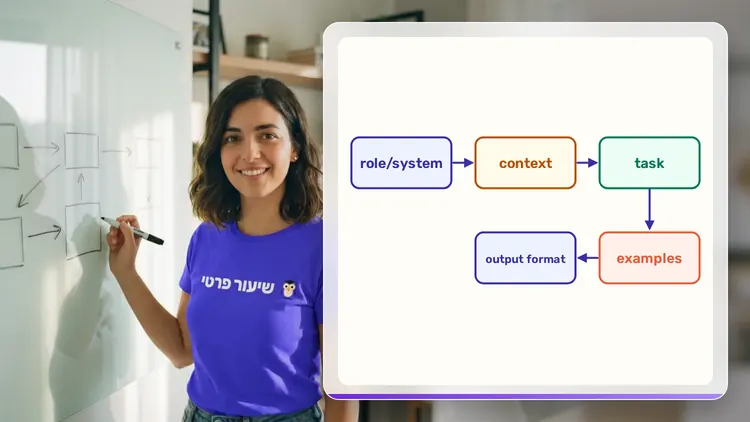
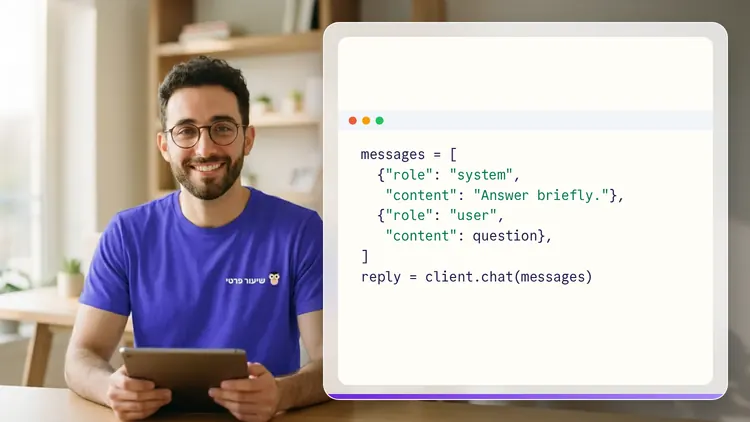
Your teacher
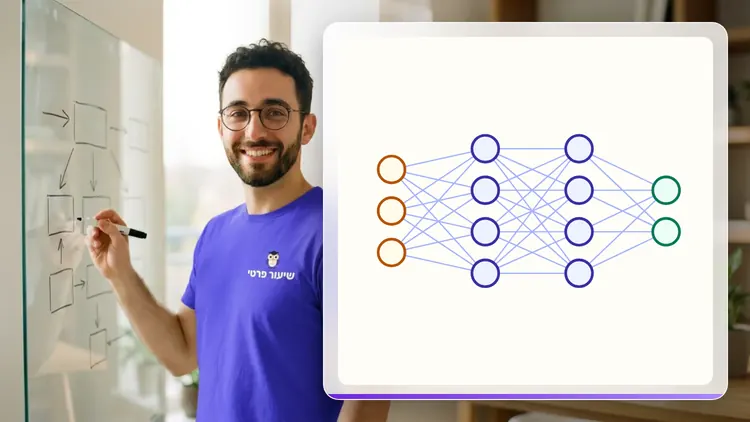
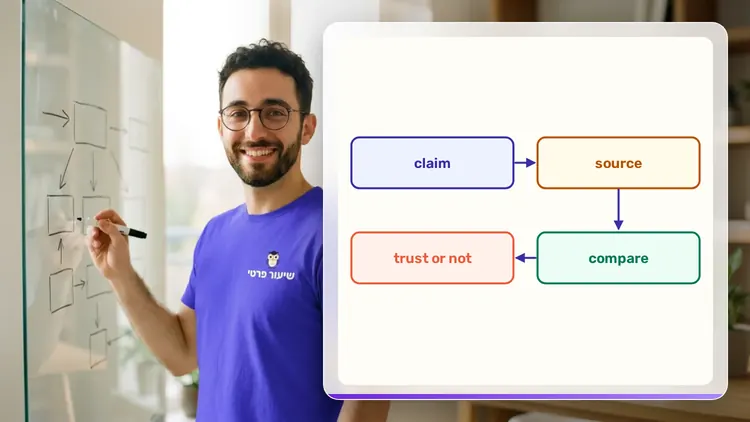
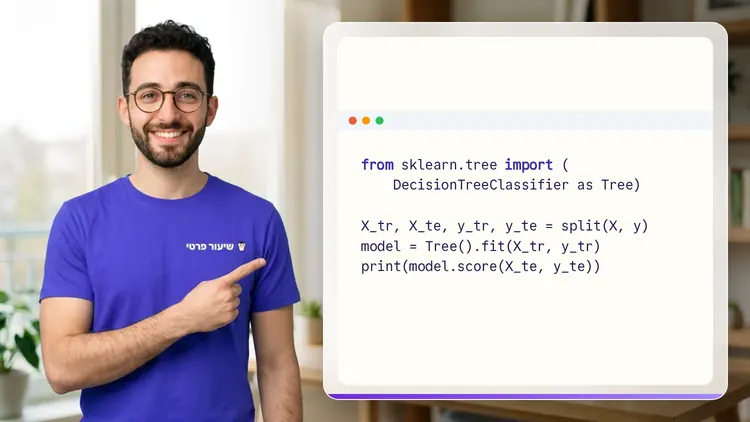
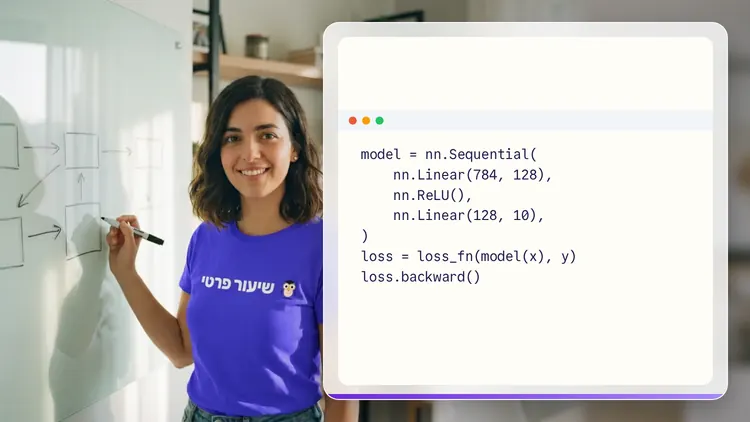
 NoamAI private tutor, in a live lesson on a shared board
A private AI teacher who teaches in a live conversation: asks, listens, draws on the board, and lets you solve it yourself with hints. Remembers what you've learned and starts each lesson where you left off.
What's a lesson like?
Your child talks with the teacher out loud, like a video call, and asks about anything unclear.
The teacher explains, writes and draws on a shared board, and your child solves along on the same board.
Snap a photo of a worksheet or homework and work through it, one problem at a time.
Parents get a report: study time, what went well and what needs more practice.
Lesson rules
- Just Learning
FAQ
- How does a private AI at Work: Copilot & Gemini in Office and Google lesson work?
- Pick AI at Work: Copilot & Gemini in Office and Google and a level, then talk with the teacher out loud. The teacher asks what you already know, explains, writes and draws on the board, and lets you solve on your own with hints until it's clear.
- How long does the AI at Work: Copilot & Gemini in Office and Google course take?
- 11 lessons of about 30 minutes at the first level, at your own pace. You can pause, go back, or skip what you already know.
- Do I need prior knowledge?
- Not for beginner level. At the start of the first lesson the teacher checks what you already know and adjusts the level, and you can jump straight to an advanced level.
- How do I start for free?
- Sign in with Google or a code sent to your email, enter your child's name and grade, and the lesson starts right away. Every family gets 45 free lesson minutes in any subject, counted by actual lesson time, with no credit card. Then choose a paid plan and cancel anytime.
- What device do I need?
- Any computer, tablet or phone with a browser and a microphone. You can also install the site as an app on your home screen.
Want to try it?
Sign in, enter your child's name and grade, and the lesson begins. 45 free lesson minutes, no credit card.
Start for freeShiur Prati with AI: what it is and how it works
AI at Work: Copilot & Gemini in Office and GoogleThe first 45 minutes are free
Private lessonStart free