Private AI for Video & Content Creators lessons with AI
AI for Video & Content Creators with a live private lesson: the teacher talks with you out loud and explains on a shared board, moving at your pace through a clear plan, lesson after lesson.
Teacher: Noam
- Course updated 11/2026
- Hebrew, and 5 more languages
- 3 levels: Beginners · Intermediate · Advanced
- 36 lessons · about 19 hours of lessons
AI for Video & Content Creators
AI for Video & Content Creators with a live private lesson: the teacher talks with you out loud and explains on a shared board, moving at your pace through a clear plan, lesson after lesson.
12 lessons · 4 modules · Live private lesson with the teacher on the board
What you'll learn
- How AI Helps Creators
- Ideas and Scripts with AI
- Subtitles and Translation
- Responsibility and Capstone
- Automatic Editing
- Narration and Synthetic Voice
- Short Videos for Social Platforms
- Project
- Avatars and Characters
- Rights, Consent and Others' Voices
- Performance Measurement and Iteration
Related topics
What's included
- Live 1:1 lessons with an AI tutor on a shared board
- 19 hours of live one-on-one lessons
- 36 lessons on a shared board, each with a clear goal
- Practice and a understanding check in every lesson
- A summary after every lesson, saved in the history
- A completion certificate for each level
- Computer, tablet or phone
- Hebrew, plus 5 more languages
Course plan
3 levels · 11 modules · 36 lessons · 18 hr 55 min total
BeginnersAI for Video Creators — Beginner4 modules • 12 lessons • 6 hr 15 min
How AI Helps Creators3 lessons • 1 hr 35 min
- 1Generative AI and the Video PipelineTrial lessonabout 30 min
- 2Map of AI Video Toolsabout 30 min
- 3Writing a Good Promptabout 35 min
Ideas and Scripts with AI4 lessons • 2 hr 5 min
- 4Brainstorming Ideas for an Audienceabout 30 min
- 5Short-Video Structure: Hook to CTAabout 30 min
- 6Scripting with AI in Your Own Voiceabout 35 min
- 7From Script to Shot List and AI Visualsabout 30 min
Subtitles and Translation3 lessons • 1 hr 25 min
- 8Automatic Subtitles and Fixing Errorsabout 30 min
- 9Readable Captions for Short Videoabout 25 min
- 10Translation and Localization with AIabout 30 min
Responsibility and Capstone2 lessons • 1 hr 10 min
- 11Consent: Faces, Voices and Others' Contentabout 30 min
- 12Capstone: Planning a Short Video End to Endabout 40 min
IntermediateIntermediate: AI Editing, Narration and Short-Form Video4 modules • 12 lessons • 6 hr 10 min
Mapped to exam: פרויקט סיום: סרטון קצר של 30 שניות — תוכנית עריכה, קריינות ובדיקת פרסום
Automatic Editing4 lessons • 2 hr
- 1Text-Based Editing from the Transcriptabout 30 min
- 2Auto-Cuts, B-Roll and Reframing to Verticalabout 30 min
- 3AI Audio: Noise Cleanup, Music and Loudnessabout 30 min
- 4Generated Clips in the Edit: Continuity and Limitsabout 30 min
Narration and Synthetic Voice3 lessons • 1 hr 30 min
- 5Writing for the Ear: Narration Scriptsabout 30 min
- 6Text-to-Speech: Voice, Pronunciation and Emotionabout 30 min
- 7Cloning Your Own Voice, Consent and Syncing to Pictureabout 30 min
Short Videos for Social Platforms4 lessons • 2 hr
- 8Vertical Format: Safe Zones, Length and the First 3 Secondsabout 30 min
- 9Repurposing Long Videos into Shorts with AI Clippingabout 30 min
- 10Series and Batch Production: Templates and a Content Calendarabout 30 min
- 11Before Publishing: AI Labels and Platform Rulesabout 30 min
Project1 lesson • 40 min
- 12Project: A 30-Second Short, End to Endabout 40 min
AdvancedAdvanced (Professional): Avatars, Rights and Performance Measurement3 modules • 12 lessons • 6 hr 30 min
Avatars and Characters4 lessons • 2 hr 5 min
- 1Avatar types: when an AI character worksabout 30 min
- 2Consistent character: character sheet and referencesabout 35 min
- 3Avatar performance: script, lip-sync and motionabout 30 min
- 4Your digital twin: security, control and transparencyabout 30 min
Rights, Consent and Others' Voices4 lessons • 2 hr 10 min
- 5Israeli copyright and AI-generated contentabout 35 min
- 6Others' voice and face: written consent and privacyabout 35 min
- 7Deepfakes, harm and red linesabout 30 min
- 8Collabs and sponsored content: disclosure and licencesabout 30 min
Performance Measurement and Iteration4 lessons • 2 hr 15 min
- 9Metrics that matter: retention, CTR, watch timeabout 30 min
- 10Reading the data: retention curves and AI comment analysisabout 35 min
- 11Experiments: A/B testing hooks, thumbnails and titlesabout 30 min
- 12Project: avatar series with rights file and measurement planabout 40 min
What you need
- No prior knowledge needed for beginner level: the teacher checks what you already know and starts from there
- For higher levels: what you learned at the level before (you can skip it if you already know it)
- A computer, tablet or phone with a microphone, and a browser
Who it's for
- Teens and adults who want to understand the subject in depth
Exams and certifications
- Intermediate: פרויקט סיום: סרטון קצר של 30 שניות — תוכנית עריכה, קריינות ובדיקת פרסום
More courses in this track
Natural Language Processing (NLP)
with Noam
Live 1:1 lesson with an AI teacherabout 20 hours35 lessons3 levelsGenerative AI & Prompt Engineering
with Noa
Live 1:1 lesson with an AI teacherabout 19 hours36 lessons3 levelsBuilding LLM Apps (RAG & Agents)
with Noam
Live 1:1 lesson with an AI teacherabout 20 hours36 lessons3 levels
Your teacher
 NoamAI private tutor, in a live lesson on a shared board
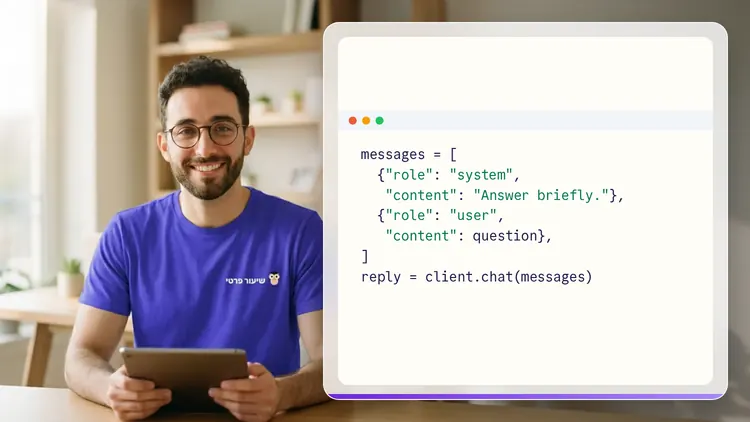
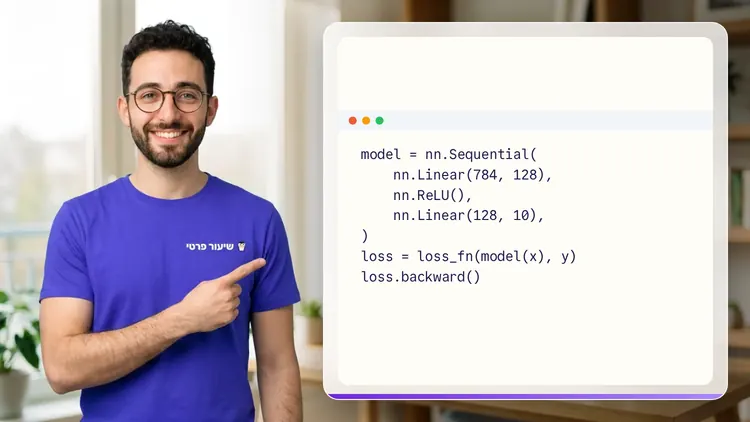
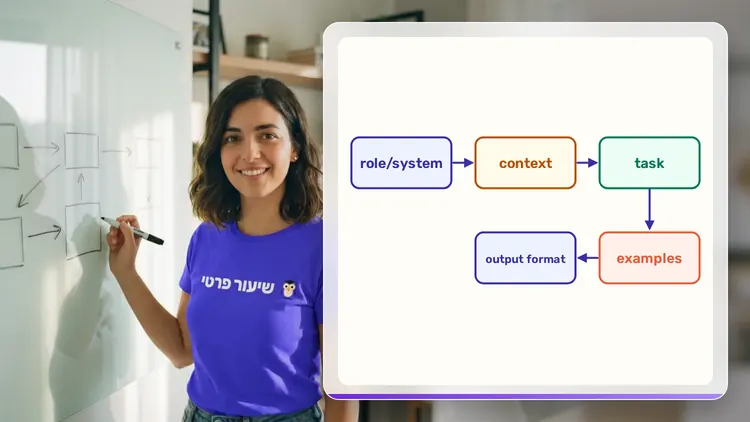
A private AI teacher who teaches in a live conversation: asks, listens, draws on the board, and lets you solve it yourself with hints. Remembers what you've learned and starts each lesson where you left off.
What's a lesson like?
Your child talks with the teacher out loud, like a video call, and asks about anything unclear.
The teacher explains, writes and draws on a shared board, and your child solves along on the same board.
Snap a photo of a worksheet or homework and work through it, one problem at a time.
Parents get a report: study time, what went well and what needs more practice.
Lesson rules
- Just Learning
FAQ
- How does a private AI for Video & Content Creators lesson work?
- Pick AI for Video & Content Creators and a level, then talk with the teacher out loud. The teacher asks what you already know, explains, writes and draws on the board, and lets you solve on your own with hints until it's clear.
- How long does the AI for Video & Content Creators course take?
- 12 lessons of about 31 minutes at the first level, at your own pace. You can pause, go back, or skip what you already know.
- Do I need prior knowledge?
- Not for beginner level. At the start of the first lesson the teacher checks what you already know and adjusts the level, and you can jump straight to an advanced level.
- How do I start for free?
- Sign in with Google or a code sent to your email, enter your child's name and grade, and the lesson starts right away. Every family gets 45 free lesson minutes in any subject, counted by actual lesson time, with no credit card. Then choose a paid plan and cancel anytime.
- What device do I need?
- Any computer, tablet or phone with a browser and a microphone. You can also install the site as an app on your home screen.
Want to try it?
Sign in, enter your child's name and grade, and the lesson begins. 45 free lesson minutes, no credit card.
Start for freeShiur Prati with AI: what it is and how it works