Private Linux Server Administration lessons with AI
Linux Server Administration with a live private lesson: the teacher talks with you out loud and explains on a shared board, moving at your pace through a clear plan, lesson after lesson.
Teacher: Noam
- Course updated 11/2026
- Hebrew, and 5 more languages
- 3 levels: Beginners · Intermediate · Advanced
- 36 lessons · about 20 hours of lessons
Linux Server Administration
Linux Server Administration with a live private lesson: the teacher talks with you out loud and explains on a shared board, moving at your pace through a clear plan, lesson after lesson.
12 lessons · 4 modules · Live private lesson with the teacher on the board
What you'll learn
- Meet Linux and the Terminal
- Users, Groups and Permissions
- Package Management
- Services with systemd
- Processes and Memory
- Disks, Filesystems and LVM
- Networking: Addresses, DNS, Ports and Firewall
- Logs and Diagnosis
- SSH and Server Hardening
- Automation and Backups
- Performance and Troubleshooting
Related topics
What's included
- Live 1:1 lessons with an AI tutor on a shared board
- 20 hours of live one-on-one lessons
- 36 lessons on a shared board, each with a clear goal
- Practice and a understanding check in every lesson
- A summary after every lesson, saved in the history
- A completion certificate for each level
- Computer, tablet or phone
- Hebrew, plus 5 more languages
Course plan
3 levels · 11 modules · 36 lessons · 19 hr 45 min total
BeginnersBeginner: From the First Terminal to a Running Service4 modules • 12 lessons • 6 hr 25 min
Meet Linux and the Terminal4 lessons • 2 hr 10 min
- 1What Linux Is and Why Servers Run ItTrial lessonabout 30 min
- 2The Filesystem Tree and Navigationabout 30 min
- 3Managing Files and Getting Helpabout 35 min
- 4Pipes, Redirection and Text Searchabout 35 min
Users, Groups and Permissions3 lessons • 1 hr 35 min
- 5Users and Groupsabout 30 min
- 6rwx Permissions and chmodabout 35 min
- 7Ownership, sudo and rootabout 30 min
Package Management2 lessons • 1 hr
- 8Installing Software with aptabout 30 min
- 9Behind apt: dpkg, Repositories and dnfabout 30 min
Services with systemd3 lessons • 1 hr 40 min
- 10How a Server Boots: Firmware to systemdabout 30 min
- 11systemctl: Start, Stop, Enableabout 30 min
- 12Unit Files and a Service That Won't Startabout 40 min
IntermediateIntermediate: Processes, Storage, Networking and Logs4 modules • 12 lessons • 6 hr 45 min
Mapped to exam: LPIC-1 (101-500 / 102-500) + RHCSA EX200 — objectives of processes, storage, networking and logging
Processes and Memory3 lessons • 1 hr 35 min
- 1Processes: PID, parent/child and psabout 30 min
- 2Signals, kill and priorities with niceabout 30 min
- 3Memory, swap and topabout 35 min
Disks, Filesystems and LVM3 lessons • 1 hr 45 min
- 4Disks and partitions: lsblk, GPT and mkfsabout 35 min
- 5Mounting, fstab and disk spaceabout 30 min
- 6LVM: flexible, growable storageabout 40 min
Networking: Addresses, DNS, Ports and Firewall4 lessons • 2 hr 10 min
- 7IP addresses, interfaces and routes with ipabout 35 min
- 8DNS: how a name becomes an addressabout 30 min
- 9Ports and sockets: who is listening (ss)about 30 min
- 10Firewall: ufw and firewalldabout 35 min
Logs and Diagnosis2 lessons • 1 hr 15 min
- 11journalctl: finding the right log lineabout 35 min
- 12/var/log, logrotate and diagnosing a failing serviceabout 40 min
AdvancedAdvanced (Professional): Security, Automation and Troubleshooting in Production3 modules • 12 lessons • 6 hr 35 min
Mapped to exam: LPIC-1 / LPIC-2 (Security, Scheduling, Backup, Capacity) + RHCSA EX200
SSH and Server Hardening5 lessons • 2 hr 35 min
- 1SSH Internals: Keys, known_hosts and the Handshakeabout 30 min
- 2Hardening sshd: No Root, No Passwordsabout 30 min
- 3Login Attacks: auth.log and fail2banabout 30 min
- 4Shrinking the Attack Surface: sudoers, Updates, Servicesabout 30 min
- 5SELinux and AppArmor: When Even root Is Confinedabout 35 min
Automation and Backups4 lessons • 2 hr 10 min
- 6A bash Script You Can Trustabout 35 min
- 7Scheduling: cron vs. systemd Timersabout 30 min
- 8Backup Strategy: 3-2-1, tar and rsyncabout 35 min
- 9An Untested Backup Is Not a Backupabout 30 min
Performance and Troubleshooting3 lessons • 1 hr 50 min
- 10Slow Server: Load, CPU, Memory and I/Oabout 35 min
- 11The Troubleshooting Ladder: From Status to the Log Lineabout 35 min
- 12Full Incident: From Alert to Postmortemabout 40 min
What you need
- No prior knowledge needed for beginner level: the teacher checks what you already know and starts from there
- For higher levels: what you learned at the level before (you can skip it if you already know it)
- A computer, tablet or phone with a microphone, and a browser
Who it's for
- Teens and adults who want to understand the subject in depth
Exams and certifications
- Intermediate: LPIC-1 (101-500 / 102-500) + RHCSA EX200 — objectives of processes, storage, networking and logging
- Advanced: LPIC-1 / LPIC-2 (Security, Scheduling, Backup, Capacity) + RHCSA EX200
More courses in this track
Your teacher
 NoamAI private tutor, in a live lesson on a shared board
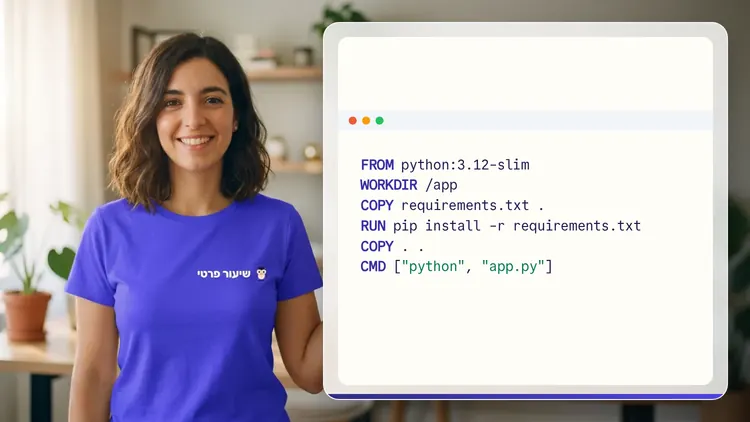
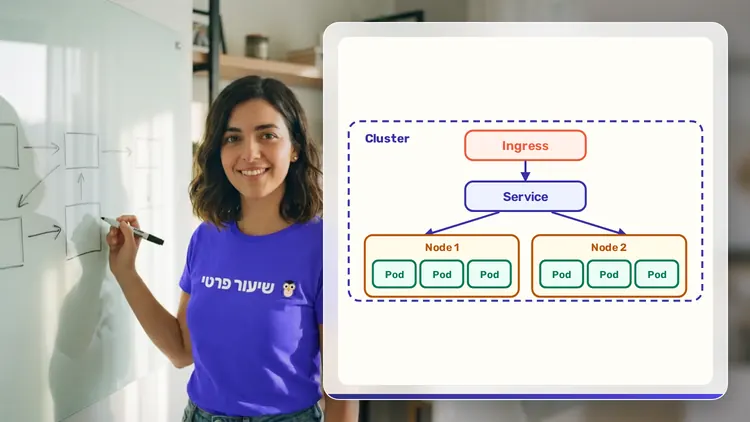
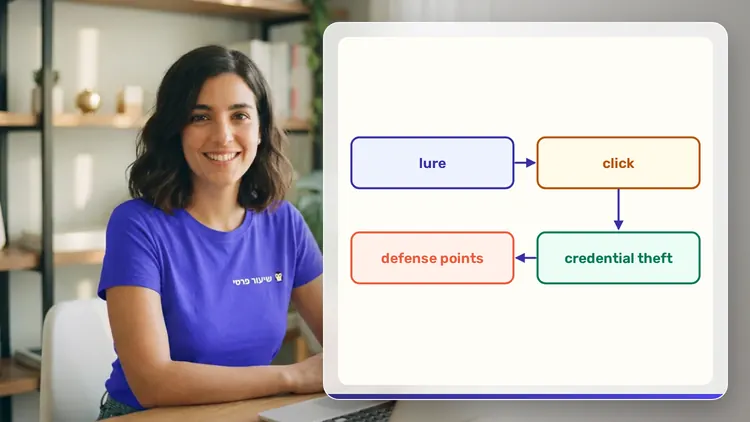
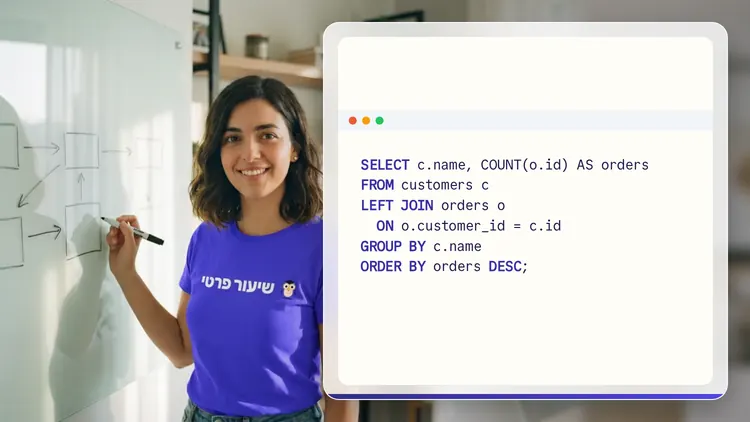
A private AI teacher who teaches in a live conversation: asks, listens, draws on the board, and lets you solve it yourself with hints. Remembers what you've learned and starts each lesson where you left off.
What's a lesson like?
Your child talks with the teacher out loud, like a video call, and asks about anything unclear.
The teacher explains, writes and draws on a shared board, and your child solves along on the same board.
Snap a photo of a worksheet or homework and work through it, one problem at a time.
Parents get a report: study time, what went well and what needs more practice.
Lesson rules
- Just Learning
FAQ
- How does a private Linux Server Administration lesson work?
- Pick Linux Server Administration and a level, then talk with the teacher out loud. The teacher asks what you already know, explains, writes and draws on the board, and lets you solve on your own with hints until it's clear.
- How long does the Linux Server Administration course take?
- 12 lessons of about 32 minutes at the first level, at your own pace. You can pause, go back, or skip what you already know.
- Do I need prior knowledge?
- Not for beginner level. At the start of the first lesson the teacher checks what you already know and adjusts the level, and you can jump straight to an advanced level.
- How do I start for free?
- Sign in with Google or a code sent to your email, enter your child's name and grade, and the lesson starts right away. Every family gets 45 free lesson minutes in any subject, counted by actual lesson time, with no credit card. Then choose a paid plan and cancel anytime.
- What device do I need?
- Any computer, tablet or phone with a browser and a microphone. You can also install the site as an app on your home screen.
Want to try it?
Sign in, enter your child's name and grade, and the lesson begins. 45 free lesson minutes, no credit card.
Start for freeShiur Prati with AI: what it is and how it works